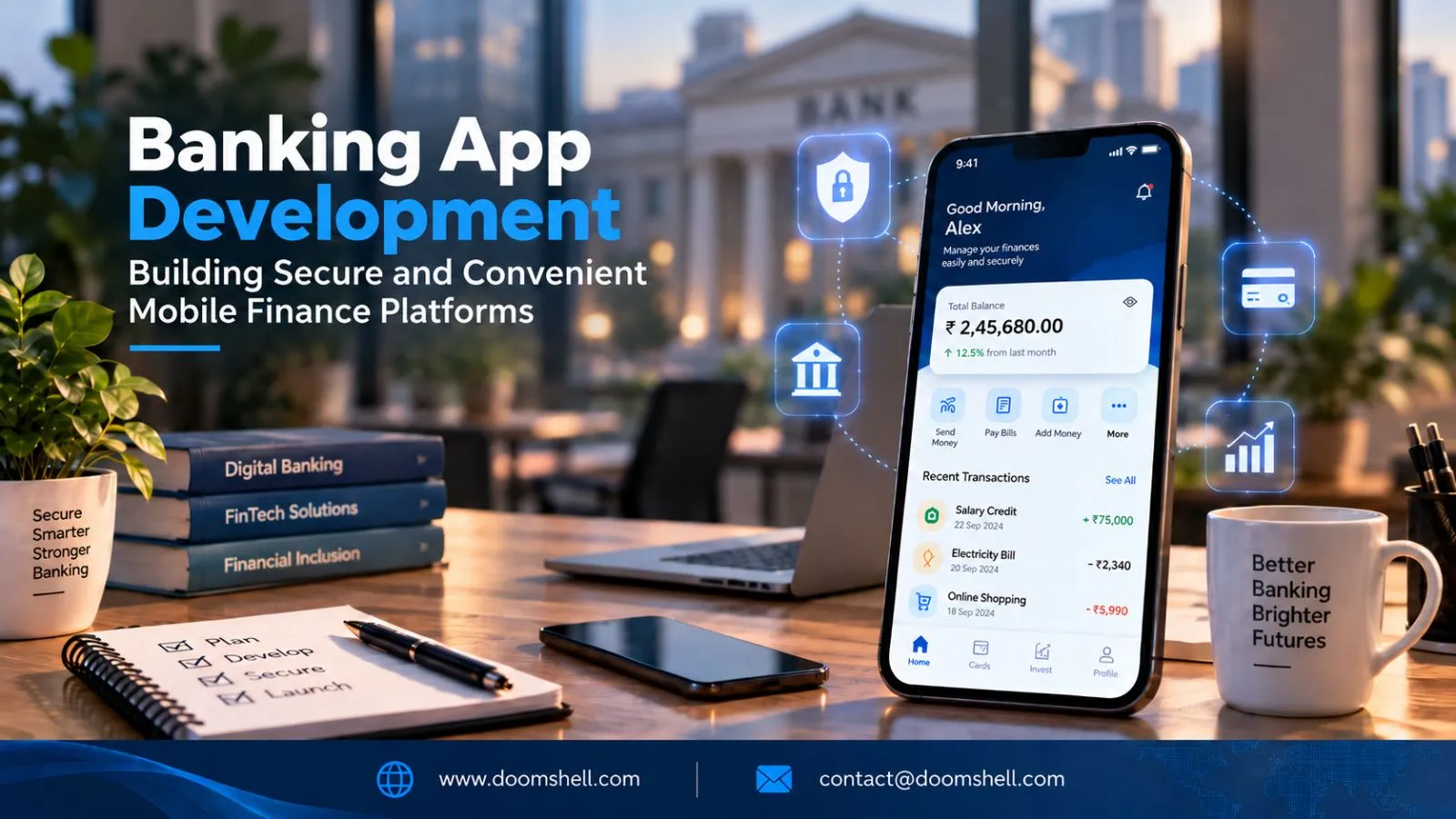
Modern banking applications need to combine convenience with strong identity protection, real-time communication, reliable payment workflows, and secure backend integrations.
In 2026, Android banking apps are also being shaped by Android 16 security changes, stronger app-integrity capabilities, adaptive interfaces, and modern authentication technologies such as passkeys and biometrics.
Creating Mobile Banking Experiences
A mobile banking application is no longer simply a digital version of a bank branch. Customers expect to check balances, transfer funds, manage cards, receive alerts, and complete financial tasks without unnecessary friction.
Banking app development should therefore connect customer-facing experiences with secure backend services, financial APIs, transaction systems, and identity controls.
Building Digital Banking Apps With Android Development
Android provides a broad platform for creating mobile banking experiences across different screen sizes and device categories.
A modern banking application can use adaptive layouts so customers can access core financial services across smartphones, tablets, and other supported Android form factors. Android 16 continues to introduce platform changes that developers need to account for when targeting the latest API level, including updated security behavior and interface requirements.
A banking application can typically include:
-
Account overview
-
Transaction history
-
Fund transfers
-
Card management
-
Bill payments
-
Beneficiary management
-
Customer support
-
Financial notifications
-
Profile and security settings
The frontend should remain simple while the underlying architecture handles authentication, authorization, validation, transaction processing, and integration with banking systems.
Creating Account and Transaction Management Features
Account management needs to provide customers with accurate, timely financial information.
Users may need to view current balances, pending transactions, statements, transfers, beneficiaries, and card activity from a single interface.
The backend should distinguish between different transaction states rather than treating every transaction as immediately completed. A transfer, for example, may move through states such as initiated, authenticated, processing, completed, failed, or reversed.
This state-based approach helps the application display accurate information and gives backend systems a reliable structure for handling retries, exceptions, and reconciliation.
For sensitive actions, the server should independently validate permissions and transaction details instead of relying solely on checks performed inside the Android application.
Developing Personalized Banking Dashboards
Personalized dashboards can make financial information easier to understand.
Instead of showing every available banking feature equally, the application can prioritize information based on the customer's activity and authorized account data.
A dashboard might include:
-
Available balances
-
Recent transactions
-
Upcoming payments
-
Spending categories
-
Savings progress
-
Important account alerts
-
Frequently used actions
Personalization can also support contextual services, such as highlighting an upcoming payment or surfacing a recurring expense.
However, financial personalization should be transparent and privacy-conscious. The application should only use data required for the specific feature and provide appropriate controls over sensitive information.
Building Mobile Payment Experiences
Payments are among the most sensitive workflows in a banking application. A successful payment experience needs to be fast and intuitive while ensuring that transaction authorization and verification occur through secure systems.
Integrating Payment Solutions Into Android Apps
Android banking applications can connect to payment services through secure APIs and payment-provider integrations.
Depending on the product, payment functionality may include:
-
Bank transfers
-
Card payments
-
Merchant payments
-
Bill payments
-
Peer-to-peer transfers
-
QR-based payments
-
Recurring payments
The Android client should not become the source of truth for financial transactions. Instead, it should securely communicate with backend services that validate users, transaction parameters, limits, and authorization requirements.
Sensitive credentials, private keys, and other secrets should never be embedded directly into the application package.
Creating Secure Payment and Checkout Workflows
A secure payment flow can involve several stages:
Payment initiation → User authentication → Transaction validation → Risk checks → Authorization → Processing → Confirmation
Each stage should be independently controlled.
The backend can apply transaction limits, verify account ownership, detect duplicate requests, and confirm the final payment state before showing completion to the user.
For mobile applications, short-lived credentials, encrypted communication, secure token handling, and appropriate authentication controls are important parts of the architecture. Android's security guidance recommends practices including HTTPS, passkeys, biometrics, short-lived access tokens, and authentication-rate controls.
Idempotency is also important. If a customer taps a payment button twice or a network request is retried, the backend should be able to recognize the repeated request and prevent an unintended duplicate transaction.
Developing QR and Digital Payment Features
QR payments can simplify merchant and peer-to-peer transactions by allowing users to initiate payment workflows through a scan.
A banking application can use QR functionality to identify a merchant, payment request, account reference, or transaction context before asking the customer to authenticate the payment.
The QR code itself should not be treated as proof that a transaction is legitimate. The backend should validate the transaction details and destination before authorization.
This creates a layered payment process in which QR scanning improves convenience while server-side validation protects the actual financial transaction.
Improving Financial Customer Engagement
Banking customers increasingly expect their financial applications to communicate proactively rather than requiring them to repeatedly check their accounts.
Real-time notifications, contextual insights, and self-service tools can improve the digital banking experience while reducing unnecessary support interactions.
Building Real-Time Transaction Notifications With Android
Transaction notifications can alert customers when important account events occur.
Examples include:
-
Money received
-
Payment completed
-
Transfer initiated
-
Card transaction detected
-
Login from a new device
-
Suspicious activity
-
Payment failure
-
Low balance
Notifications should be generated from trusted backend events rather than relying solely on client-side timers.
A transaction event can trigger a backend workflow that records the event, evaluates notification rules, and sends the appropriate message to the customer's Android device.
This event-driven model helps keep notifications synchronized with the actual transaction state.
Creating Personalized Financial Insights
Financial applications can turn transaction history into useful insights.
For example, customers could see spending patterns, recurring expenses, monthly comparisons, savings progress, or unusual activity alerts.
AI can add another layer by helping users ask questions about their own financial information using natural language. However, these experiences should be grounded in authorized account data and should clearly distinguish between factual account information and generated explanations.
For high-impact financial decisions, automated recommendations should not be treated as a substitute for appropriate customer review or regulated financial advice.
Developing Customer Self-Service Features
Self-service features can help customers resolve common issues without contacting support.
A banking application can provide workflows for:
-
Card activation
-
Card freezing and unfreezing
-
PIN-related support
-
Address updates
-
Statement requests
-
Beneficiary management
-
Transaction disputes
-
Security settings
-
Account verification
The most effective self-service experiences connect directly with backend workflows. A customer action should create the appropriate system event, update the relevant record, and provide a clear confirmation or next step.
Securing and Scaling Banking Applications
Security needs to be integrated into every layer of banking app development. Mobile authentication, API authorization, transaction controls, device integrity, encryption, monitoring, and backend security all contribute to the overall protection model.
Implementing Secure Authentication in Android Apps
Modern banking applications can combine multiple authentication methods depending on the risk of an action.
Android's Credential Manager provides a unified approach to major authentication methods, including passkeys, passwords, and federated sign-in. Android security guidance also recommends biometric authentication for applications handling sensitive information, including financial applications.
A banking app can therefore use risk-appropriate authentication.
A low-risk action might require an existing authenticated session, while adding a beneficiary or approving a high-value transfer could require stronger verification.
Play Integrity can add another layer by allowing backend systems to evaluate whether requests originate from the genuine application and an appropriately trustworthy Android environment. Its verdicts can provide information about app recognition, licensing, device integrity, and other signals that can support risk-based enforcement.
Authentication should therefore be treated as an ongoing security process rather than a single login screen.
Protecting Sensitive Financial Data
Financial data should be protected throughout its lifecycle.
Important controls can include:
-
Encryption in transit
-
Secure credential storage
-
Strong server-side authorization
-
Token expiration
-
Rate limiting
-
Secure logging
-
Data minimization
-
Device and session management
-
Dependency updates
-
Security testing
Android's security guidance recommends using secure storage mechanisms such as Keystore where appropriate and avoiding unnecessary storage of credentials on the device.
Android 16 also introduces additional security hardening, including stronger protections around intent redirection and new APIs related to secure key sharing.
For banking applications, these platform-level changes reinforce the need for regular compatibility and security testing as Android versions evolve.
Connecting Android Applications With Secure Banking APIs
The Android application should generally act as a secure client to backend banking services rather than connecting directly to sensitive databases or internal financial systems.
A typical architecture can include:
Android App → API Gateway → Authentication & Authorization → Banking Services → Core Banking / Payment Systems
This separation allows backend systems to enforce business rules independently of the mobile interface.
Banking APIs should incorporate authentication, authorization, validation, rate limiting, monitoring, audit trails, and version management.
API responses should also expose only the information required by the mobile experience. Minimizing unnecessary data transfer reduces the amount of sensitive information present on the device.
Building Banking Apps for the 2026 Android Ecosystem
Android development requirements continue to evolve, making compatibility planning an important part of banking application development.
As of August 31, 2026, new Android apps and updates submitted to Google Play must target Android 16, API level 36 or higher, with specific exceptions for other Android form factors.
For banking businesses, this means Android development should include regular testing against current platform behavior, security changes, adaptive layouts, background execution changes, and device compatibility.
Android 16 also introduces changes to job scheduling and security behavior that can affect applications performing background operations.
A banking platform should therefore be designed for controlled upgrades rather than treating Android version changes as occasional maintenance tasks.
Conclusion
Banking app development requires a combination of convenient mobile experiences, reliable financial workflows, strong authentication, secure APIs, and scalable backend architecture.
Android provides the platform capabilities needed to build modern banking applications, while technologies such as Credential Manager, biometrics, Android Keystore, and Play Integrity can contribute to layered security.
The most effective banking platforms connect the customer experience with secure backend services rather than treating the mobile application as an isolated product. Account management, payments, notifications, personalization, self-service, authentication, and financial APIs should work together as one controlled ecosystem.
For financial institutions and fintech businesses planning a new Android banking platform, the focus should be on building an architecture that is secure by design, responsive for customers, adaptable to Android's evolving platform requirements, and capable of supporting new financial services over time.