Creating Driver and Delivery Applications
Logistics businesses depend on drivers, dispatchers, warehouse teams, and customers working together. However, when delivery instructions are shared through calls, messages, and spreadsheets, important information can become delayed or inaccurate. Logistics app development brings these activities into a connected mobile platform, helping teams manage assignments, record delivery progress, and communicate more efficiently.
Android applications are particularly useful because drivers and field employees can access operational tools directly from their smartphones. A well-planned application can combine delivery schedules, navigation, customer details, notifications, and digital records in one interface. Businesses looking for Android development company should consider how the application will support actual field conditions, not just how its screens look.
Building Driver Apps With Android Development
A driver application should make everyday tasks simple. Drivers need to view assigned deliveries, understand route instructions, update order statuses, and contact customers without navigating complicated menus. Android development using Kotlin or Java allows businesses to build native mobile applications around these requirements.
A practical driver app can include:
-
Secure login with role-based access.
-
Daily delivery lists and customer information.
-
Route guidance and navigation support.
-
Pickup, dispatch, and delivery status updates.
-
Push notifications for new assignments.
-
Delivery history and issue reporting.
The interface should remain clear and usable in different lighting conditions and on different Android screen sizes. Large touch targets, readable text, and simple navigation reduce unnecessary interaction while drivers are working.
Performance also matters. The app should load essential information quickly, handle temporary network interruptions, and avoid unnecessary battery consumption. Developers should test it across supported Android versions and devices before release.
Creating Delivery Assignment Interfaces
Delivery assignment interfaces connect dispatch teams with drivers. Instead of distributing work manually through phone calls, a centralized system can display available orders, assigned drivers, delivery addresses, priority levels, and expected delivery windows.
Dispatchers should be able to assign or reassign deliveries based on practical business rules. These may include driver availability, vehicle capacity, delivery location, service area, and the type of goods being transported. For example, temperature-sensitive products may require a vehicle with suitable storage capabilities.
The application can also notify drivers when an assignment changes. This reduces confusion and gives the operations team a consistent view of delivery responsibilities.
For more advanced platforms, assignment logic can consider route distance, traffic conditions, delivery deadlines, and workload distribution. AI-supported recommendations may help dispatchers identify better options, but final decisions should account for business rules and real-world constraints. The goal is to make allocation more organized without making the workflow difficult to manage.
Developing Digital Proof-of-Delivery Features
Proof of delivery provides a digital record that an order reached its intended destination. A mobile application can replace paper-based confirmation with structured information captured at the delivery point.
Depending on business requirements, the feature may support:
-
Customer signatures on the device.
-
Delivery photographs.
-
Recipient name and confirmation.
-
Delivery timestamps and location records.
-
Notes about damaged, missing, or refused items.
These records help customer support teams investigate disputes and allow managers to review completed deliveries. They can also be synchronized with order management or billing systems so that the next business step begins without unnecessary manual entry.
The application should capture only information required for the delivery process. Access controls, secure transmission, and appropriate data retention policies help protect customer and business information. A clear proof-of-delivery workflow makes completion easier to verify while improving accountability across the delivery network.
Building Real-Time Fleet Tracking
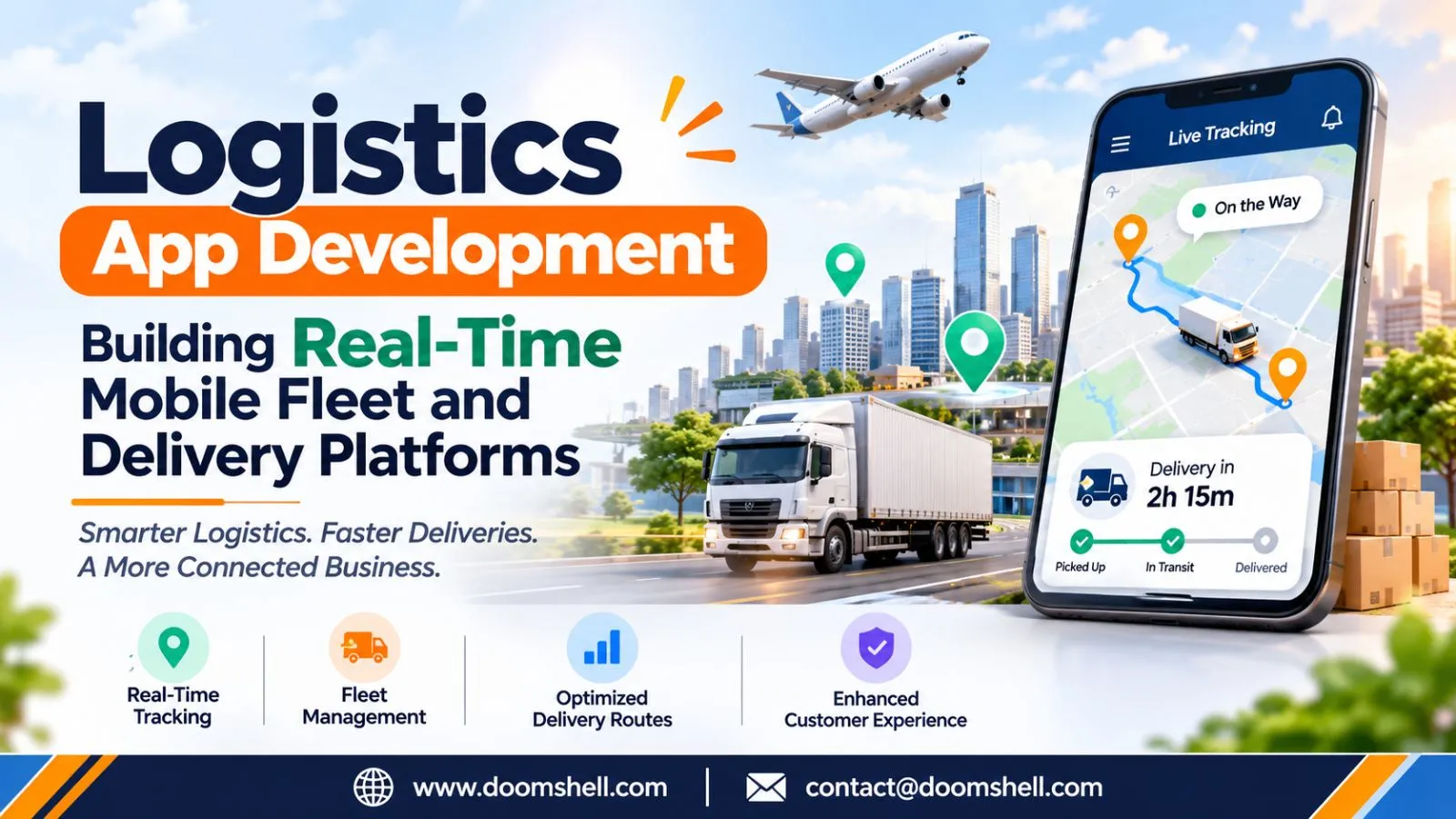
Fleet visibility helps logistics managers understand where vehicles are, which deliveries are progressing, and where operational delays may be developing. Real-time fleet tracking combines mobile location data, backend services, and map-based interfaces to provide a shared view of field activity.
In 2026, connected logistics platforms are increasingly moving toward predictive and AI-supported operations. Gartner identifies agentic AI, physical AI, and intelligent simulation among emerging supply chain technology trends. These developments make reliable operational data even more important: intelligent tools cannot provide dependable recommendations when tracking and delivery records are incomplete.
Using Android Location Services for Fleet Tracking
Android location services can provide location information for applications that need to display vehicle movement or support navigation. Developers can use location APIs to obtain device coordinates and send relevant updates to a backend system.
However, continuous tracking requires careful technical planning. The application must consider location accuracy, update frequency, network availability, battery consumption, and Android permission requirements. Frequent location requests may drain a device's battery, while overly infrequent updates can make vehicle positions less useful.
Location permissions should match the application's actual functionality. Android distinguishes between foreground and background location access, and background access is subject to additional platform requirements. Apps should explain why location is needed, request only the necessary permission, and make tracking transparent to drivers.
A reliable implementation also needs to handle permission denial, location service interruptions, and devices with limited connectivity. These considerations help maintain useful tracking without compromising user privacy or application stability.
Creating Live Driver and Vehicle Tracking
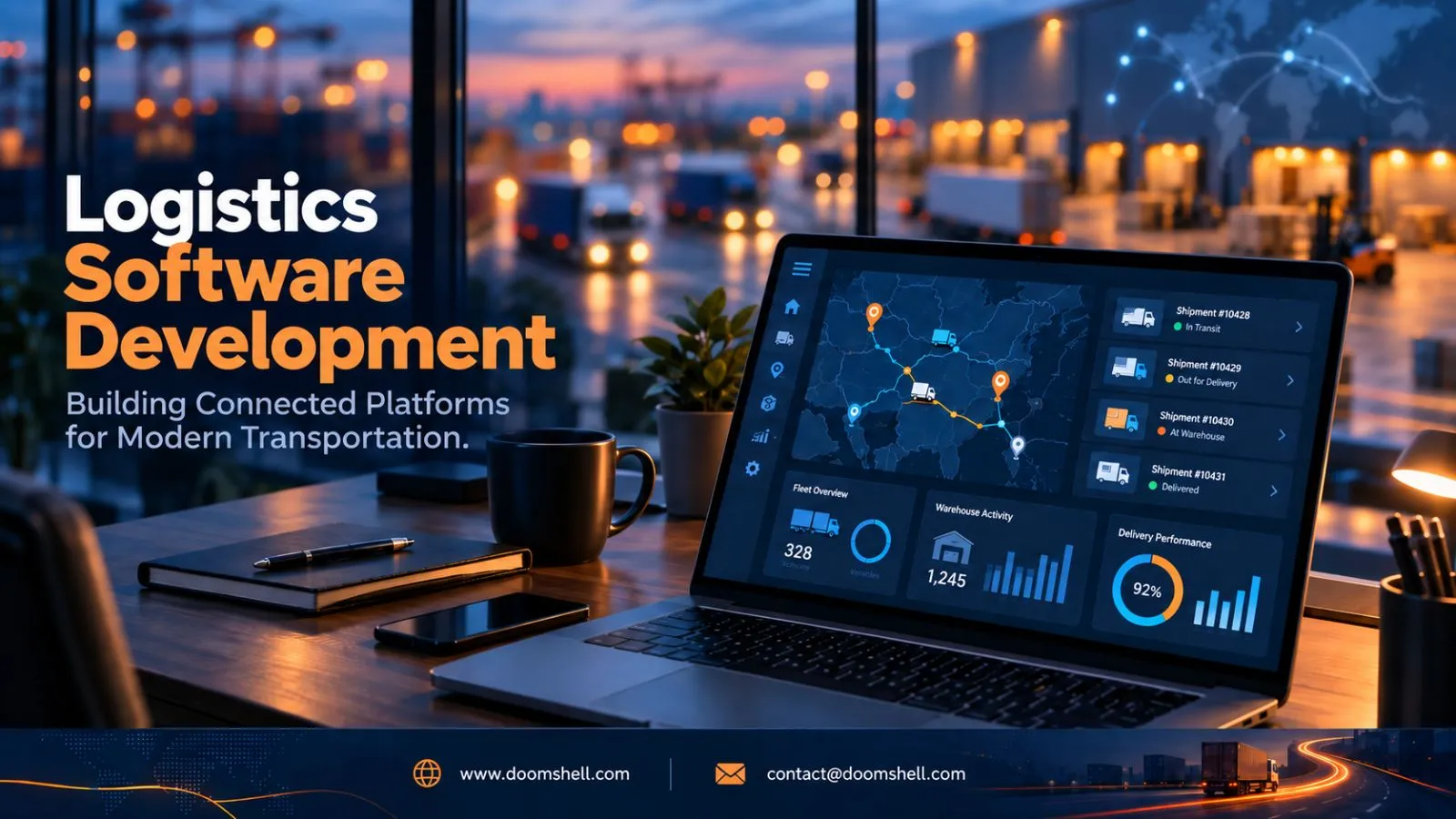
A fleet tracking dashboard can display vehicle positions on a map alongside driver and delivery information. Managers can monitor active trips, identify vehicles that have stopped unexpectedly, and check whether deliveries are progressing according to schedule.
A typical tracking platform includes three connected parts: the Android application collects location updates, backend services process and store them, and a web or mobile dashboard presents the information to authorized users.
Useful dashboard information may include:
-
Current or most recently reported vehicle location.
-
Driver and vehicle identification.
-
Active delivery and trip status.
-
Last update time.
-
Planned route and destination.
-
Alerts for relevant operational exceptions.
The system should distinguish between a live location and an older location report. Displaying a timestamp helps managers understand whether the information is current. It is also important to define access permissions so that employees can view only the fleet information required for their roles.
Developing Real-Time Delivery Status Updates
Location tracking alone does not explain what is happening during a delivery. A vehicle may be near a destination but still waiting for access, unloading goods, or resolving a customer issue. Delivery status updates provide this operational context.
A logistics application can use defined stages such as order assigned, picked up, in transit, arriving, delivered, or delivery attempted. Drivers update the relevant stage, and the backend shares the change with dispatchers and customer-facing systems.
Push notifications can inform teams about important events. For example, a dispatcher may receive an alert when a delivery is delayed, while a customer may receive an update when an order is out for delivery.
Status changes should be recorded with timestamps and, where appropriate, supporting evidence. This creates a useful activity history for reporting and customer service. When location and status data work together, businesses gain a clearer understanding of both vehicle movement and delivery progress.
Improving Warehouse and Field Operations
Logistics performance depends on more than transportation. Warehouse employees receive goods, scan products, update stock records, prepare orders, and coordinate dispatch. Field teams may also inspect assets, collect documents, or confirm service completion. Android applications can bring these workflows into a shared digital environment.
Current warehouse technology is moving toward connected inventory information, automation, computer vision, and AI-supported decision-making. These capabilities can improve visibility, but accurate scanning and well-structured operational records remain essential foundations.
Building Warehouse Apps With Android
A warehouse application can guide employees through receiving, put-away, picking, packing, and dispatch activities. Instead of relying on printed lists or disconnected spreadsheets, workers can view assigned tasks and update records from an Android device.
For example, when a shipment arrives, an employee can open the purchase or inbound order, verify the received quantity, and record damaged or missing products. During order preparation, the application can display item details, quantities, and storage locations.
A warehouse app may include:
-
Goods receiving and dispatch records.
-
Stock movement and location updates.
-
Picking and packing instructions.
-
Order verification.
-
Stock adjustment requests.
-
Task assignment and completion tracking.
The application should reflect the warehouse's actual layout and operating procedures. A small distribution centre may need a straightforward stock and dispatch interface, while a larger operation may require multiple warehouse locations, user roles, and integration with an existing warehouse management system.
Creating Barcode and Inventory Scanning Features
Barcode scanning reduces the need for employees to enter product codes manually. An Android device camera or a compatible scanning accessory can capture barcode information and send it to the inventory system for validation.
When a worker scans an item, the application can display its product name, SKU, batch details, and recorded quantity. The employee can then confirm the item, enter a quantity, or report a mismatch.
Barcode workflows are useful for:
-
Receiving incoming stock.
-
Verifying products during picking.
-
Updating inventory movements.
-
Checking packed orders.
-
Recording dispatch and returns.
The application should provide immediate feedback when a scan is successful or when a barcode does not match the expected product. It should also prevent duplicate scans from unintentionally increasing stock counts.
For businesses handling large product volumes, scanning can improve speed and record consistency. However, the quality of inventory data still depends on correct product identification, clear procedures, and synchronization with the central system.
Developing Field Workforce Management Applications
Field workforce applications support employees who work outside offices and warehouses. Logistics companies may use them for vehicle inspections, equipment checks, delivery exceptions, asset verification, and service-related tasks.
A field employee can receive assigned work, review instructions, submit photographs, complete digital forms, and report issues through one application. Managers can then monitor task progress without repeatedly contacting employees for updates.
Role-based access helps ensure that drivers, supervisors, warehouse staff, and administrators see the tools relevant to their responsibilities. Digital checklists can also standardize recurring activities, such as vehicle condition checks before a trip.
For reliable adoption, the interface should be simple and the workflow should match the employee's daily routine. Training, clear instructions, and responsive support are as important as technical functionality. A useful field application reduces paperwork while helping teams maintain consistent operational records.
Connecting Logistics Apps With Business Systems
A logistics application becomes more valuable when it works with the systems a business already uses. Without integration, employees may need to enter the same information into multiple platforms. Connected applications can synchronize orders, inventory, customer details, delivery records, and operational updates.
This integration-first approach also supports future improvements such as automated reporting and AI-assisted planning. Gartner's 2026 supply chain outlook highlights increasingly connected and intelligent operating environments, making dependable data exchange an important part of logistics technology planning.
Integrating Android Apps With Logistics APIs
APIs allow Android applications to exchange information with backend platforms and third-party services. A driver app, for example, may request assigned deliveries from a logistics API and submit status updates when an order is picked up or delivered.
Common integration requirements include authentication, order retrieval, route information, customer records, notifications, and proof-of-delivery uploads.
A dependable API integration should consider secure authentication, encrypted communication, input validation, error handling, and version management. Developers should also design for temporary network failures. If a request cannot be completed, the application should provide a clear message and a safe way to retry it.
Backend services should validate important changes before updating business records. This helps prevent duplicate orders, incorrect status transitions, and inconsistent information between systems.
Connecting Fleet Applications With ERP Systems
ERP integration connects mobile logistics workflows with wider business operations. For example, an ERP platform may provide sales orders and customer information, while the Android application handles delivery assignments and field updates.
Once a delivery is completed, the application can send confirmation data back to the connected system. This may help update order status, support invoicing workflows, and provide managers with more accurate operational information.
Integration can cover:
-
Sales and delivery order synchronization.
-
Customer and address information.
-
Inventory and dispatch updates.
-
Vehicle and transport records.
-
Delivery confirmation and reporting.
The integration design should identify which system owns each type of data. Clear rules for synchronization, conflict handling, and access permissions reduce errors. Businesses should also test integrations with realistic workflows before deploying them across multiple teams or locations.
Building Offline-First Android Workflows
Logistics employees often work in areas where mobile connectivity is weak or unavailable. An application that depends on a continuous internet connection may interrupt important tasks when drivers enter remote locations or warehouse teams experience network outages.
Offline-first Android development allows selected information and actions to remain available on the device. For example, a driver may view previously downloaded delivery details, record a delivery attempt, or capture proof of delivery while offline.
The application can store these changes locally and synchronize them when connectivity returns. Developers must design conflict-resolution rules, prevent duplicate submissions, and show whether information is pending synchronization or successfully uploaded.
Local storage should be protected, particularly when it contains customer details or delivery documents. The application should also define how long offline records remain available and what happens if synchronization repeatedly fails.
A carefully designed offline workflow makes the application more dependable in real operating conditions. It also helps employees complete essential tasks without treating every network interruption as a system failure.
Building Connected Logistics Platforms With Doomshell
Doomshell develops custom Android applications designed around business workflows, user requirements, and integration needs. Its Android development capabilities include native app development with Kotlin and Java, API and ERP connectivity, real-time application features, testing, deployment, and ongoing support. As an IT company, Doomshell can help logistics businesses plan mobile solutions for drivers, fleet teams, warehouse employees, and field operations. The focus is on building secure, scalable applications that improve operational visibility and support long-term business growth.